Heap Snapshot Views
After a heap snapshot is collected the information about the memory is presented
in the following views:
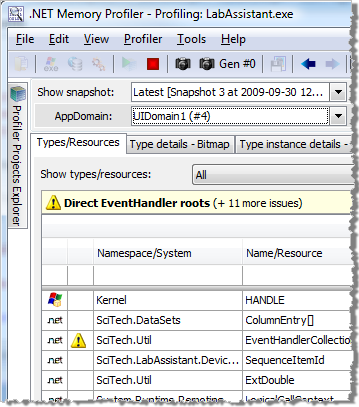
Overview
Includes a list of all the types and resources in the profiled process. This list is collected
during a heap snapshot and presents the number of instances and allocated bytes
of each type, as well as the number of allocations performed per second.
If unmanaged resource tracking is enabled, then information about unmanaged resources
is also presented in this view.
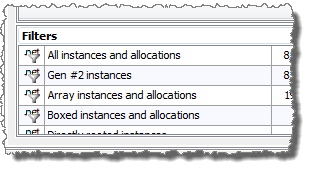
Below the Types/resources list there is a Filters list. It includes information based on saved "instance and allocation" filters. The
information presented is the same as, or a subset of, the types information.
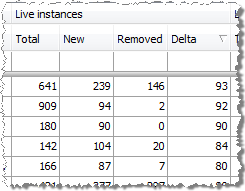
The change of live instances between two snapshots is also shown. This information
can be used to find memory leaks.
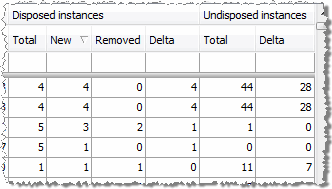
By selecting to show dispose information, information about disposed and undisposed
instances is presented. Undisposed instance are disposable instances that have been
garbage collected without being properly disposed.
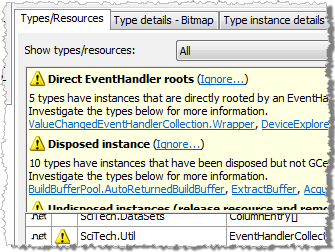
A summary of all memory usage issues that have been identified by the automatic
memory analyser is also presented in this view.
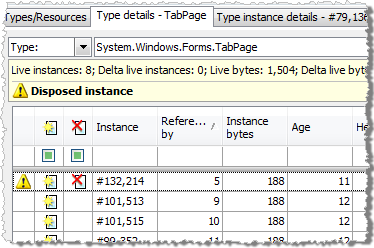
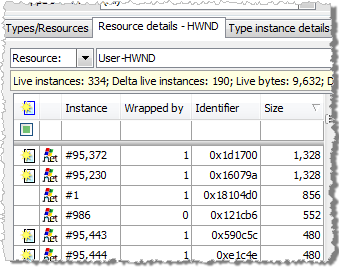
The details of a type, resource, or filter can be viewed by double-clicking on the entry
in the Types/Resources or the Filters list.
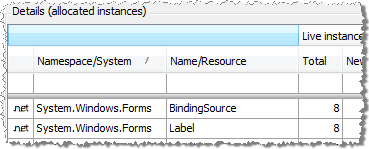
The details shown include information about all included instances...
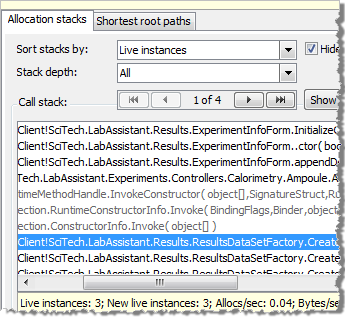
...as well as the call stack of all related allocations. Each stack
contains information about the number of allocations, number of allocated bytes
and the number of live instances. The stack information can be used together with
the Allocs/sec and Bytes/sec columns in the Types/Resources view to discover excessive
allocations, and to pinpoint where the allocations occur.
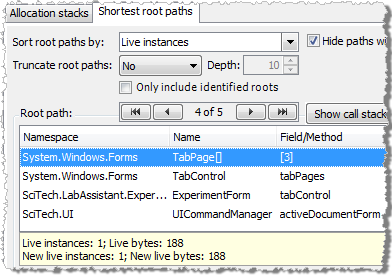
The shortest root paths of all managed instances are also presented.
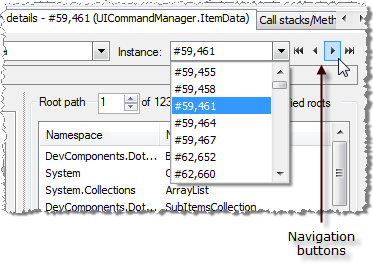
The navigation
buttons can be used to easily browse through a selected set of types or resources.
The details of a specific instance can be viewed by double-clicking on an instance
entry.
The details of a managed type instance include base information such as size, age
and the state of the instance (New, Disposed etc.). Additionally, information about
all references to and from the selected instance, the allocation stack of the instance
and, most important, all paths to all roots of the instance are also included.
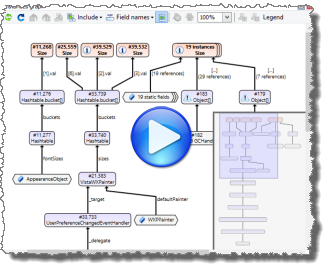
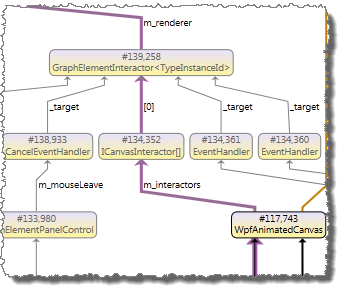
The instance details also includes an instance graph, providing a visual
overview of the selected instance, and all its related instances and roots.
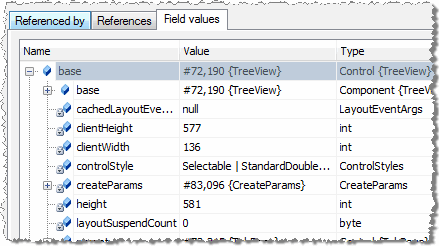
If instance data has been collected, the values of the fields will also be displayed.
The instance fields can be presented in a style mimicking the
watch windows in Visual Studio, or they can be presented in a flat style; in the order they are defined.
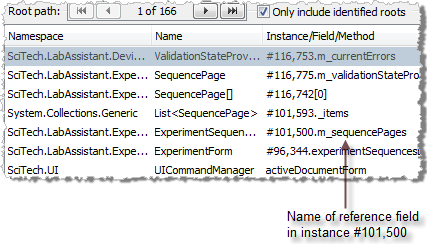
All root paths are listed starting with the shortest path.
The root paths are extremely useful to find out why an instance is not garbage collected.
When a reference to an instance is presented, both
the instance number and the name of the referring field is included. This makes
is easier to find out how an instance is referenced and why it has not been garbage
collected.
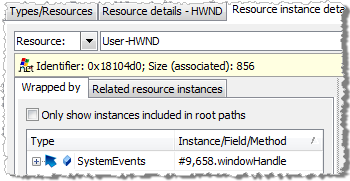
The details of an unmanaged resource instances include base information such as
the identifier, size and the state of the instance. Additionally, information about
managed type instances that wrap the resource instance is displayed, as well as
the allocation stack of the instance.
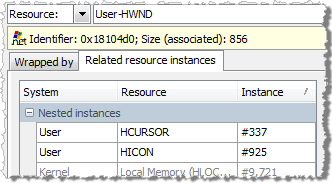
If several resource instances are created during the same function call, they will
be presented as related resource instances.
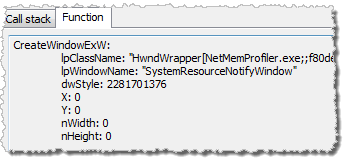
In addition to the call stack of the instance creation, the function arguments provided
to the creation function is also presented.
The navigation
buttons can be used to easily browse through a selected set of instances.
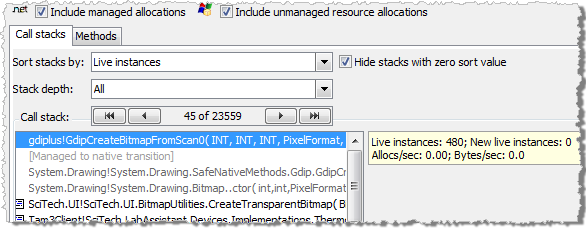
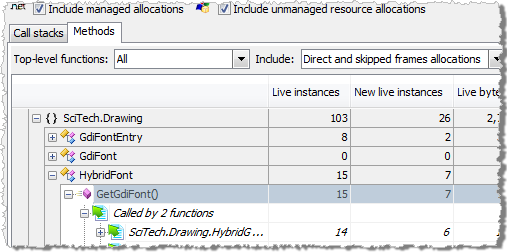
Information about all allocation call stacks and methods can be viewed using the
Call stacks/methods page. It presents information about all saved call stacks (or
methods). The allocation stacks can be useful to find code that perform excessive
allocations. It can also be used to locate call stacks (or methods) that are responsible
for creating a large number of live, disposed or undisposed instances.

Details about the allocations performed by a call stack or method are also presented.
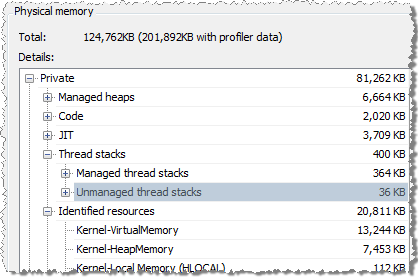
The Native Memory Page presents information about the native memory of a process.
Native memory is the memory managed by the operating system, rather than the Common
Language Runtime.
.NET Memory Profiler also makes use of the information
collected by the unmanaged resources tracker (if enabled) when presenting native memory,
allowing more detailed information to be identified.